Education
Universities
Make every learning space easier to teach in — and easier to learn from.
Education technology should support the lesson and the community around it. Oxygen AV considers everyday usability, visibility, room audio, accessibility, content control and ongoing support before recommending the system.
Where we use it
Campus entrances, reception areas, corridors, classrooms, lecture halls, libraries, laboratories, collaboration rooms, auditoriums, sports venues, staff areas and cafeterias.
How we use it
With interactive displays, digital whiteboards, cameras and room audio, managed digital signage, wayfinding kiosks, large-format visuals and remote-management tools for compatible systems.
Why we use it
To make teaching more engaging, improve campus communication, support participation across locations, guide visitors and reduce avoidable support demands.
When we use it
Before lessons, during teaching, between classes, at assemblies and events, during open days, for after-hours learning and when important information needs to reach the campus quickly.
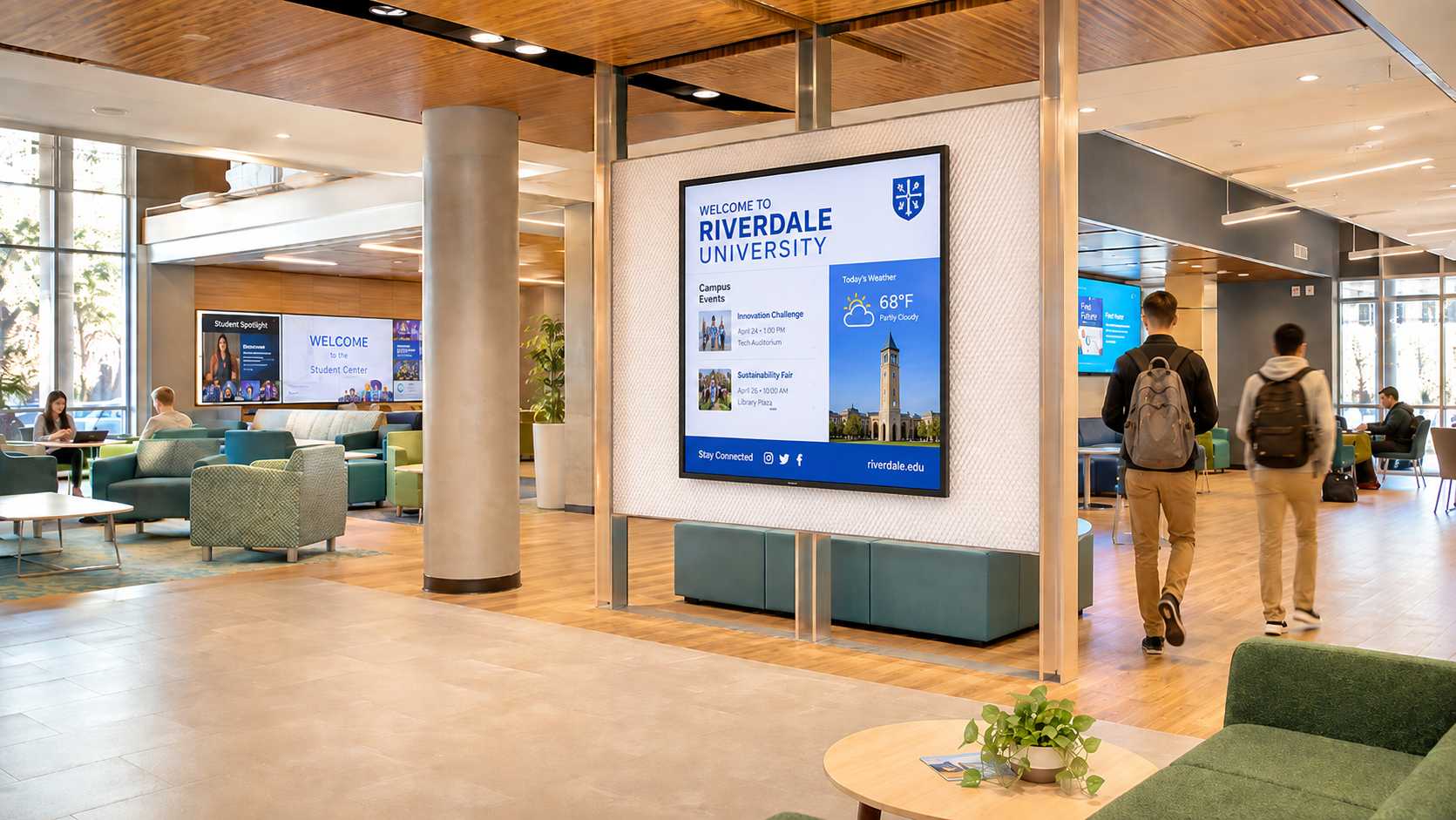

A Connected Campus
Classrooms and lecture halls
Reduce uncertainty
Help students, families and visitors find buildings, departments, services and venues.
Hybrid learning spaces
Make the content easier to work with
Present, annotate and share learning material on an interactive display. Match screen size, viewing distance and room audio to the teaching mode and number of learners.
Wayfinding and self-service

Include people beyond the room
Combine display, camera, microphones and speakers so remote participants can follow and contribute where hybrid learning is part of the brief.
Auditoriums and assembly spaces

Reach the whole audience
Use high-impact visuals, presentation control and appropriate audio for assemblies, lectures, performances and events.
Reception and campus communication
Keep the community informed
Publish timetables, events, announcements and approved notices across a managed display network.
Libraries and collaboration areas
Cafeterias and campus retail

Keep service information current
Use digital menus and promotional displays to communicate clearly through peak meal periods.

Give groups a shared surface
Support project work, research, discussion and informal presentation with displays designed for participation.
From First Class to After Hours
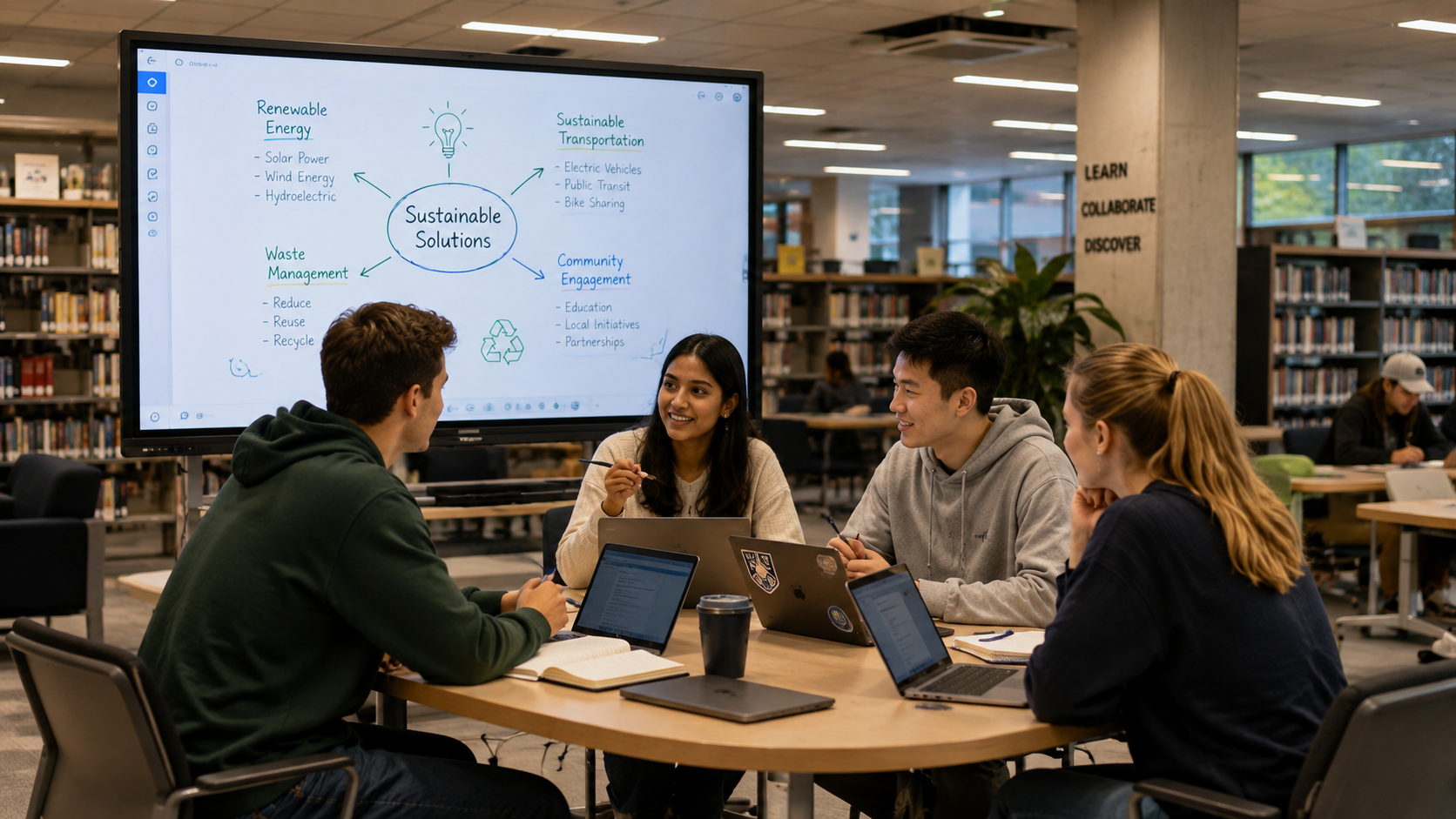
Collaboration
Shared displays support group projects and discussion in libraries and learning commons.
Arrival
Entrance displays and directories publish the day’s essential information.
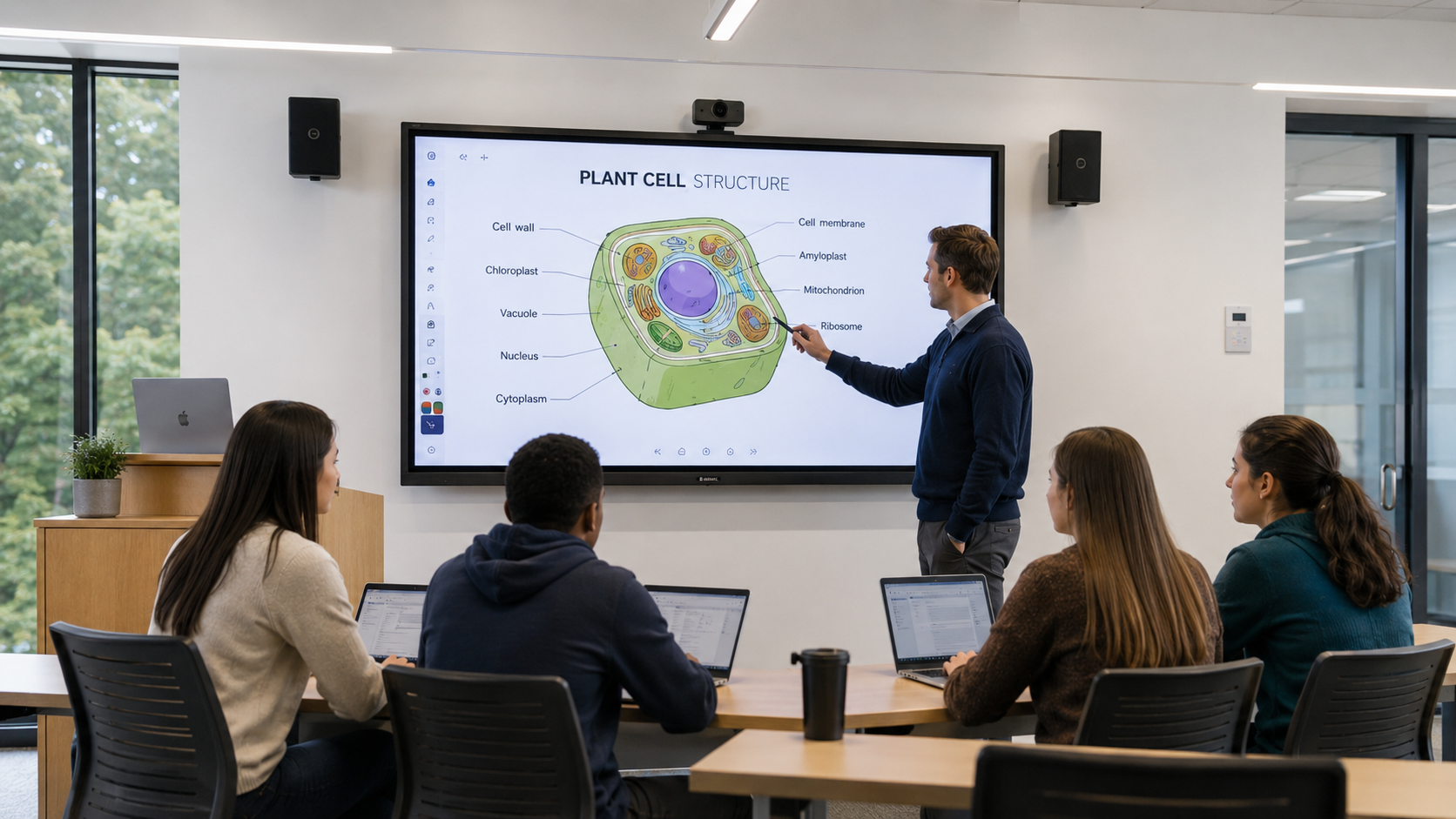
Teaching
Interactive displays and room audio support explanation, annotation and participation.
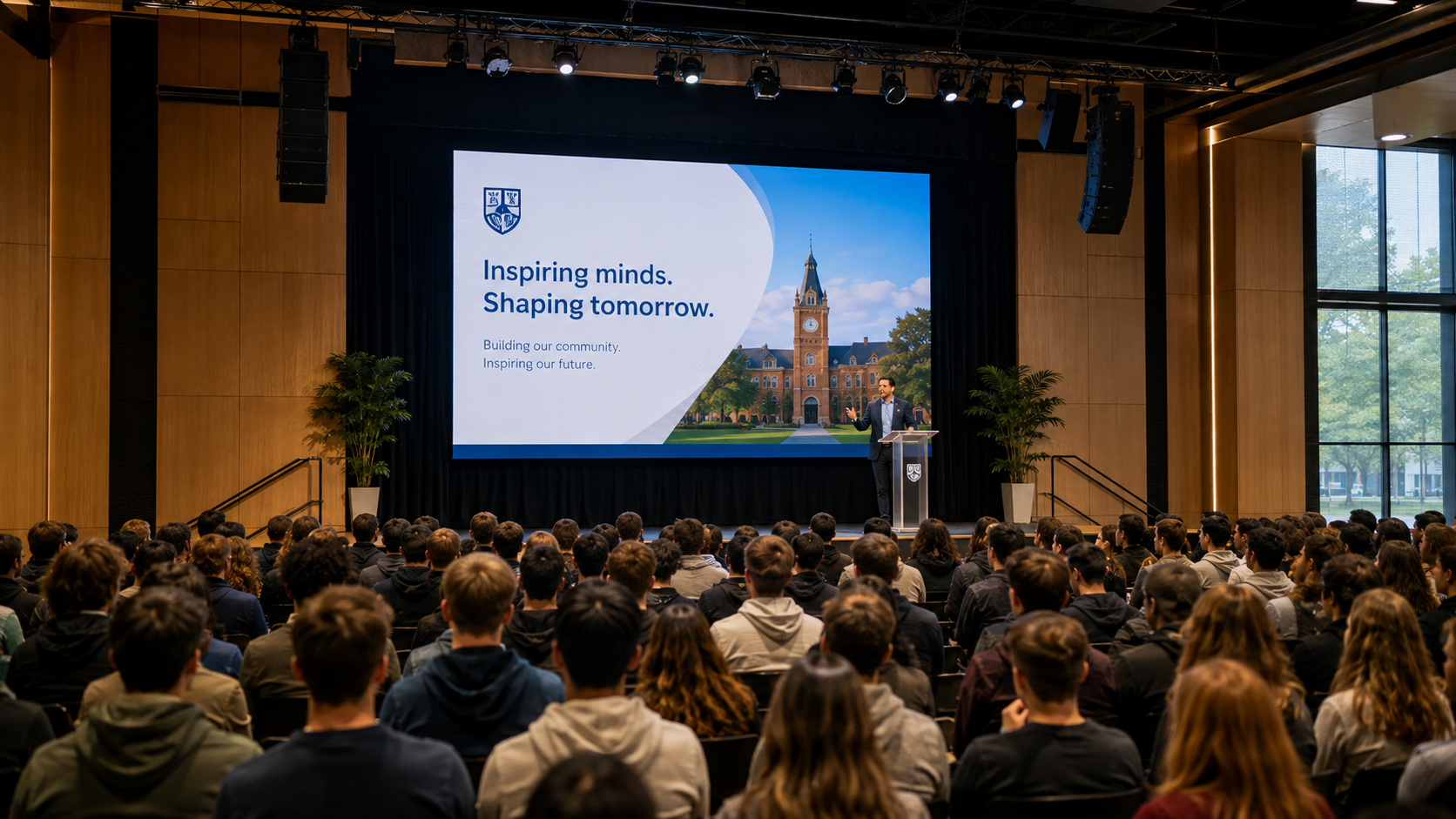
Assemblies & Events
Large-format presentation and clear audio help the audience follow the programme.
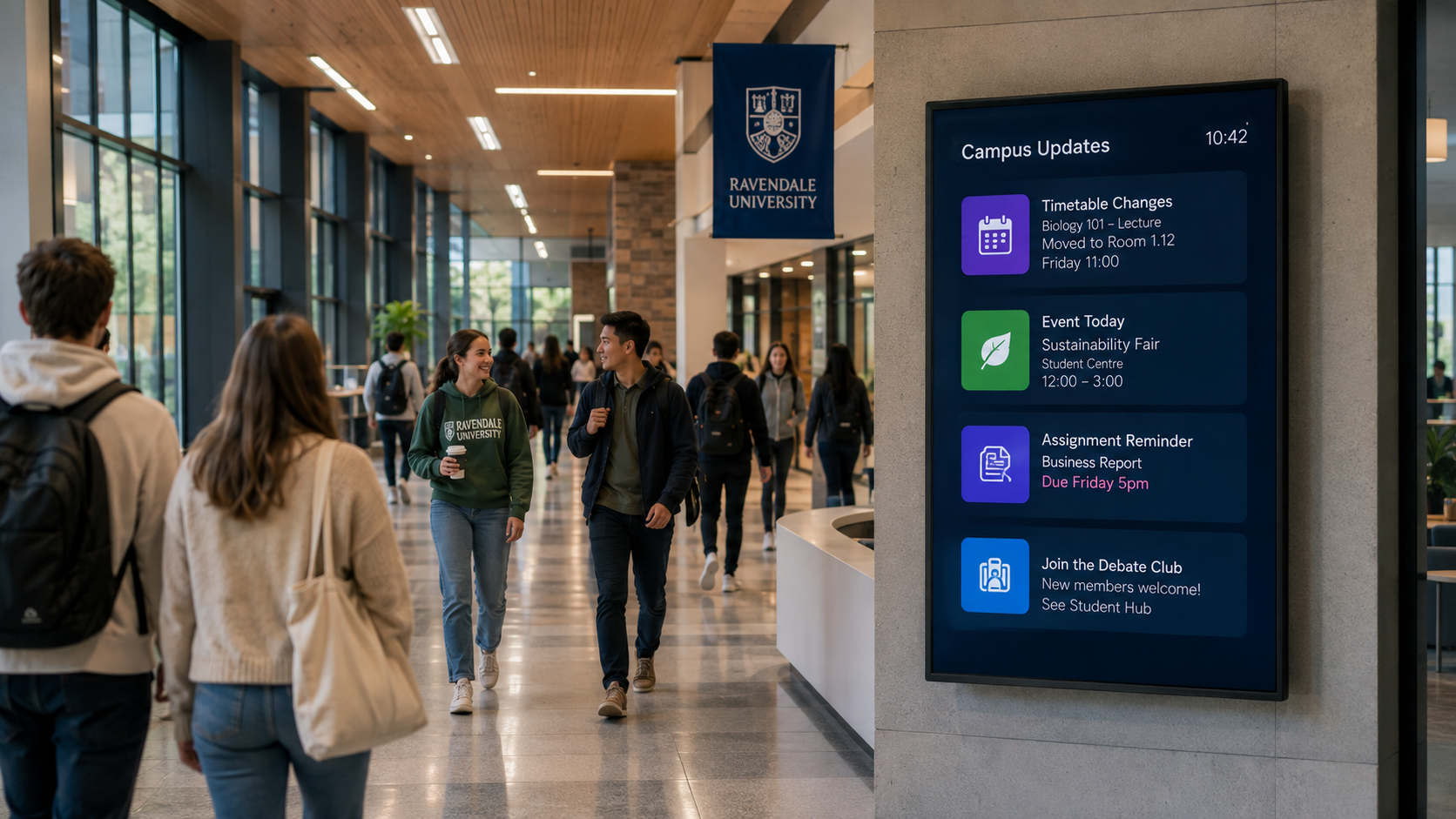
Between Classes
Campus screens communicate timetable changes, events, deadlines and community news.
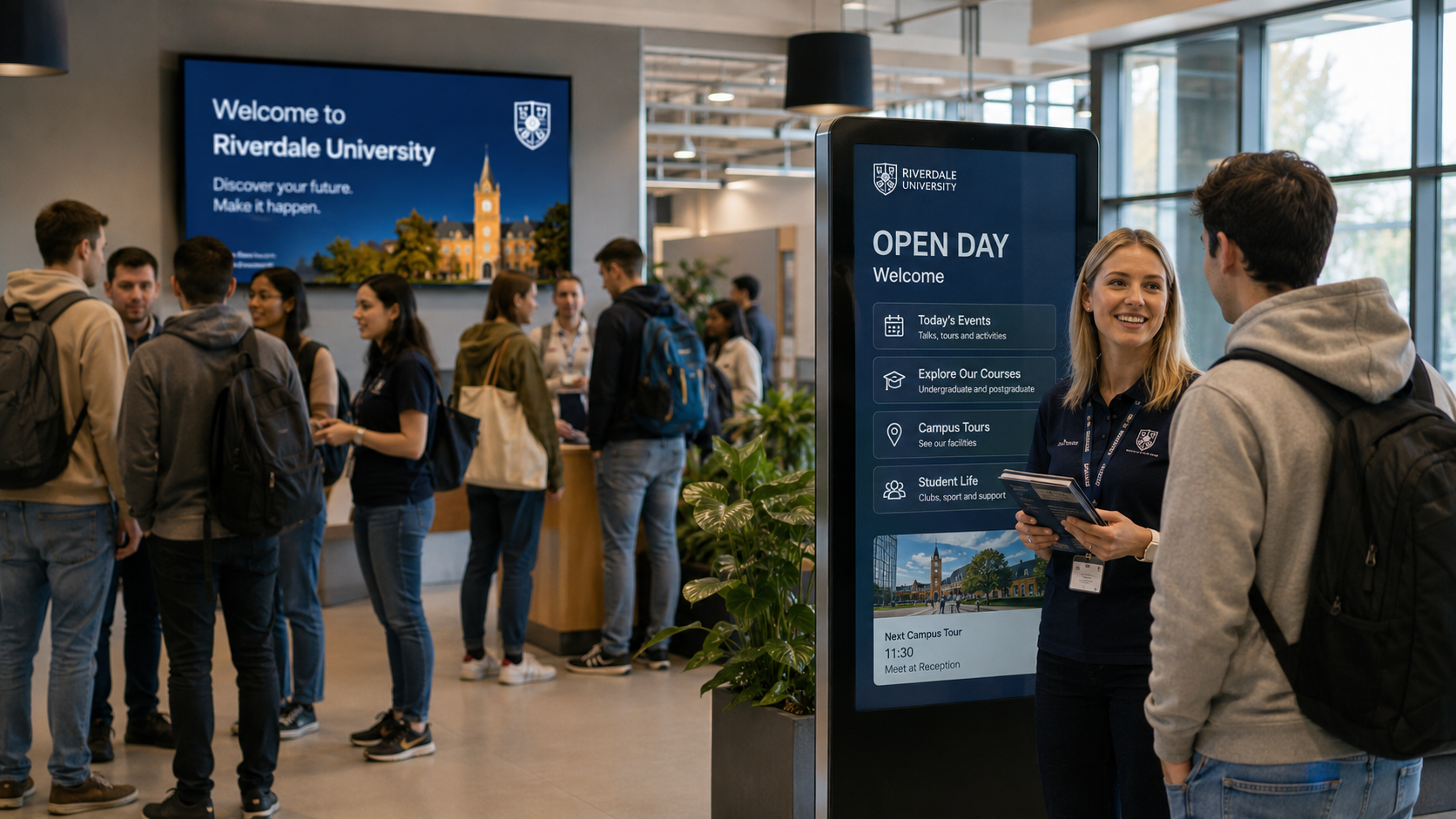
Open Days
Content can change for prospective students, evening courses, sport or community events.
Live Broadcasts Across the Institution
Deliver live and managed video to multiple learning spaces.
IPTV can distribute assemblies, lectures, events, educational channels and approved live video feeds to compatible screens across an institution.
Different buildings or groups can receive the content relevant to them, while central management keeps distribution consistent across classrooms, lecture theatres, receptions, staff areas, sports facilities and shared spaces.
School life
Technology That Keeps the School Day Moving
Simple for staff. Clear for students. Manageable for staff.
School technology has to work repeatedly, quickly and without becoming another task burden for staff. Oxygen AV designs systems around the realities of school life— short changeovers, shared spaces, varied teaching styles, large groups, important announcements and limited time for troubleshooting.
Teach without friction
Interactive displays, straightforward sharing and classroom audio should enable a teacher to walk into the room and start the lesson — not spend the first five minutes working out the technology.
Communicate with everyone
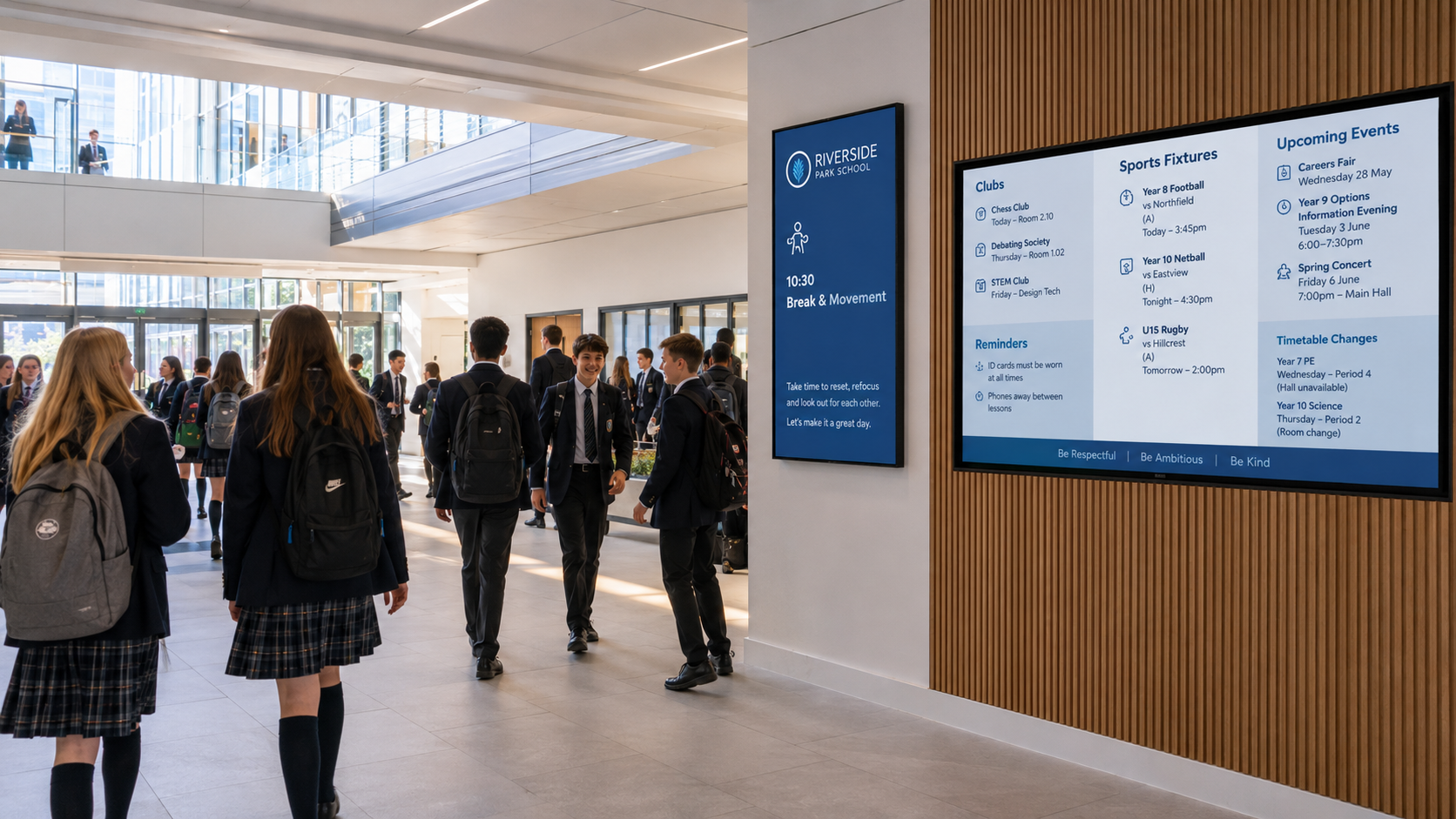
Reception displays, corridor screens and assembly systems give schools a consistent way to share notices, events, achievements, timetable changes and important information.
The objective is not more technology across the schools. It is technology that makes the enables better communication and enhanced lessons.

A Connected School
Lessons That Start on Time
Messages That Reach the Right People
Interactive displays, simple source selection and dependable classroom audio reduce setup time and keep attention on the lesson.
Meetings Everyone Can Follow

Large-format visuals, microphones and appropriate sound help speeches, presentations, videos and performances reach students clearly throughout the hall.
Use centrally managed screens for daily notices, schedule changes, clubs, achievements, reminders and approved school communications.
Spaces That Can Do More

Libraries, breakout areas and shared rooms can support tutoring, project work, presentations and group learning without being tied to one teaching format.
A Better Welcome for Parents & Visitors
Reception displays and digital directories can explain where to go, what is happening and what visitors need to know without covering the entrance in temporary signage.
A Consistent Standard Across the Campus

Rather than every lecture space working differently, common controls and equipment standards make systems easier for lecturers to use and easier for support teams to maintain.